Jacob Barnes
Read more from this author
-

Why FlowSavvy Is the Best Auto-Scheduling App for Busy People (2026)
Feb 1, 2026If you’re reading this, you likely have tons of tasks from several different areas of life (work, personal, home, etc.), and making sure nothing falls through the cracks is a real challenge. An Auto-Scheduler that plans your week for you can help tremendously. In this article, we’ll share why FlowSavvy is the best auto-scheduling app… Read more
-

Google Calendar Goals: Best Alternative in 2026
Jan 29, 2026What was Google Calendar Goals? Google Calendar Goals was a feature in Google Calendar that let you put in how many times per week you wanted to complete a goal, and then Google Calendar would automatically schedule time for that task directly into your calendar. This could be used for things like “work out”, “learn… Read more
-
FlowSavvy vs Motion: Which is better in 2026?
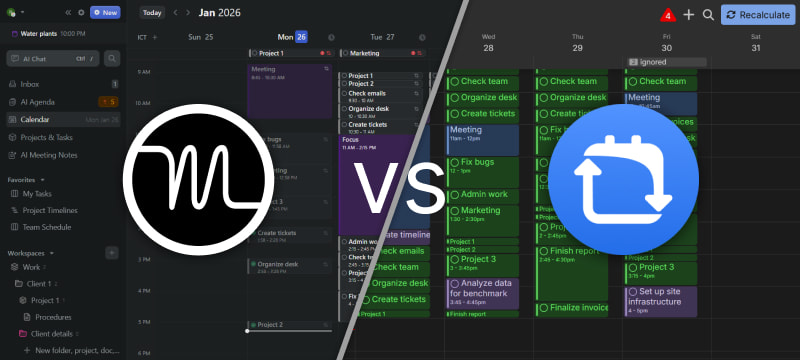
May 4, 2026FlowSavvy and Motion are both excellent auto-schedulers that help you manage your calendar, but they have differing priorities and will work better for different types of people. This guide provides an in-depth comparison of both tools so you can find the tool that will work best for your use case. Key Takeaways Let’s dive deeper… Read more
-
4 Block Schedule Examples for Better Time Management and Productivity
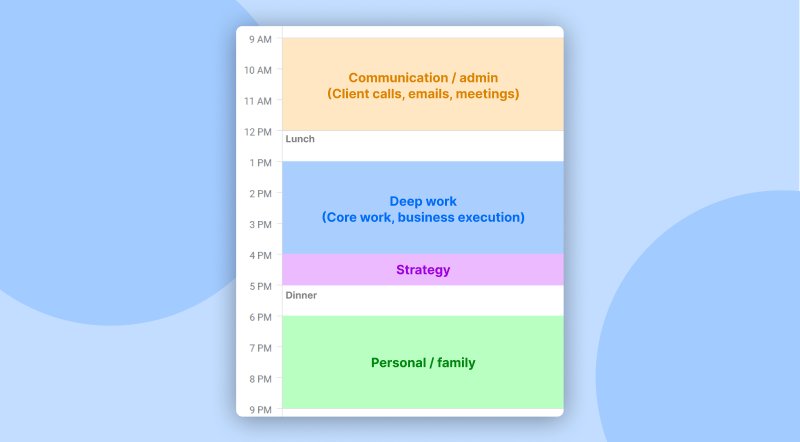
Jan 11, 2026Introduction When people think about improving their productivity, they usually turn to a to-do list. To-do lists help you organize what you have to do, but they have a major problem: They don’t help you plan how/when you’ll complete the tasks, meaning most people struggle to keep up with their to-do list. This is where… Read more
-
The Best App That Automatically Schedules Tasks in 2026
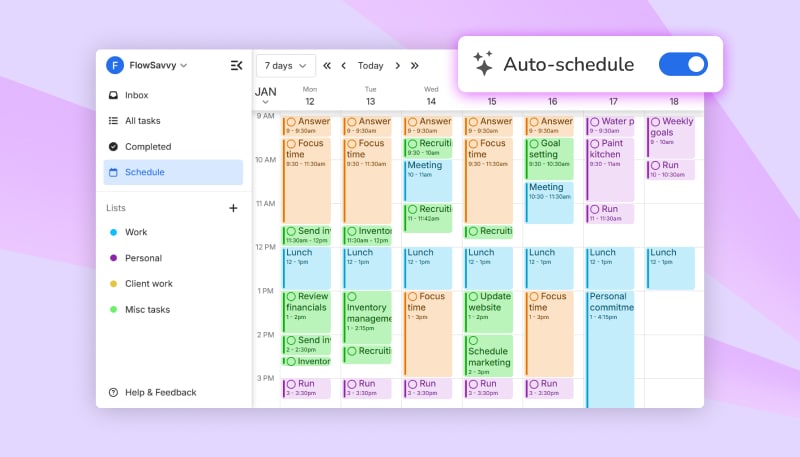
Jan 8, 2026Introduction If you’re looking for an app that automatically schedules your tasks into your calendar, you’re in the right place. FlowSavvy is a sophisticated auto-scheduler designed to simplify your life by intelligently organizing your tasks within your calendar. FlowSavvy is optimized for individuals, with a focus on user-friendly design and intuitive auto-scheduling. What Makes FlowSavvy… Read more
-
Time Blocking Google Calendar: Step-by-Step 2026 Guide
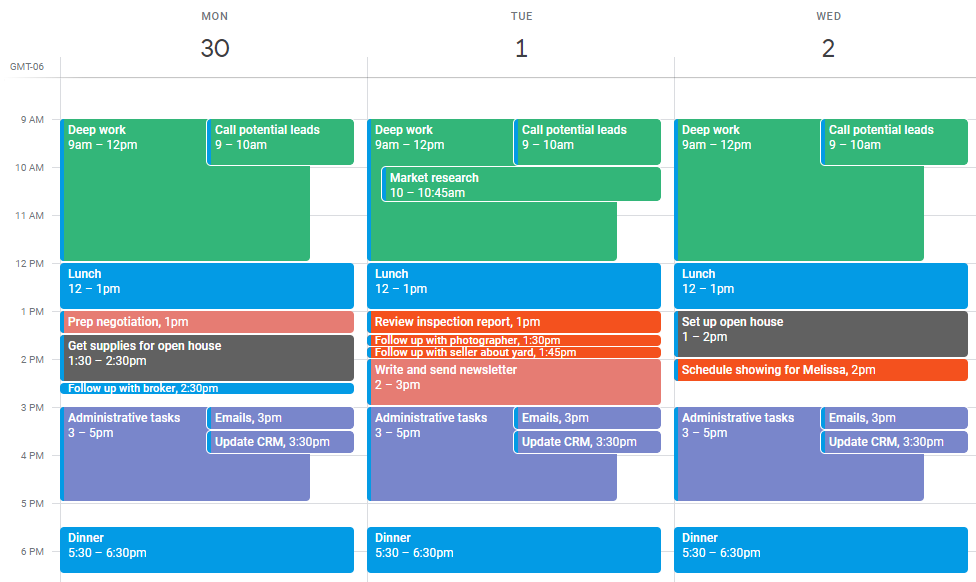
Oct 8, 2026⚡TL;DR: Time Blocking in Google Calendar What is time blocking? Time blocking is a time management method where you schedule specific blocks of time for each task or activity throughout your day. Instead of working through an open-ended to-do list, you allocate dedicated time slots for focused work, meetings, breaks, and personal tasks. This approach… Read more
-

New feature: Easily Adjust Auto-Scheduling With Drag & Drop
Sep 18, 2024If you’ve ever tried to drag & drop an auto-scheduled task on the calendar view, you probably noticed that that would lock the task in place and turn off auto-scheduling for that task. This was understandably frustrating if you wanted to drag the task to another day/time but keep auto-scheduling on. We’re happy to say… Read more